Getting started
Do I need an account?
A free Kollide account (the same one as Konsol), made right here with email or Google. Confirm your email and 5 credits land in it, then 2 more every 24 hours, starting 24 hours after.
Do I need MIDI?
No. Every look runs from your WAV or MP3 alone. Add the beat's MIDI and the note looks follow your exact notes. BPM and key come from your file name when it has them (e.g. “dark 140 Am”), otherwise from the audio, and you can fix either in one tap.
Which browser should I use?
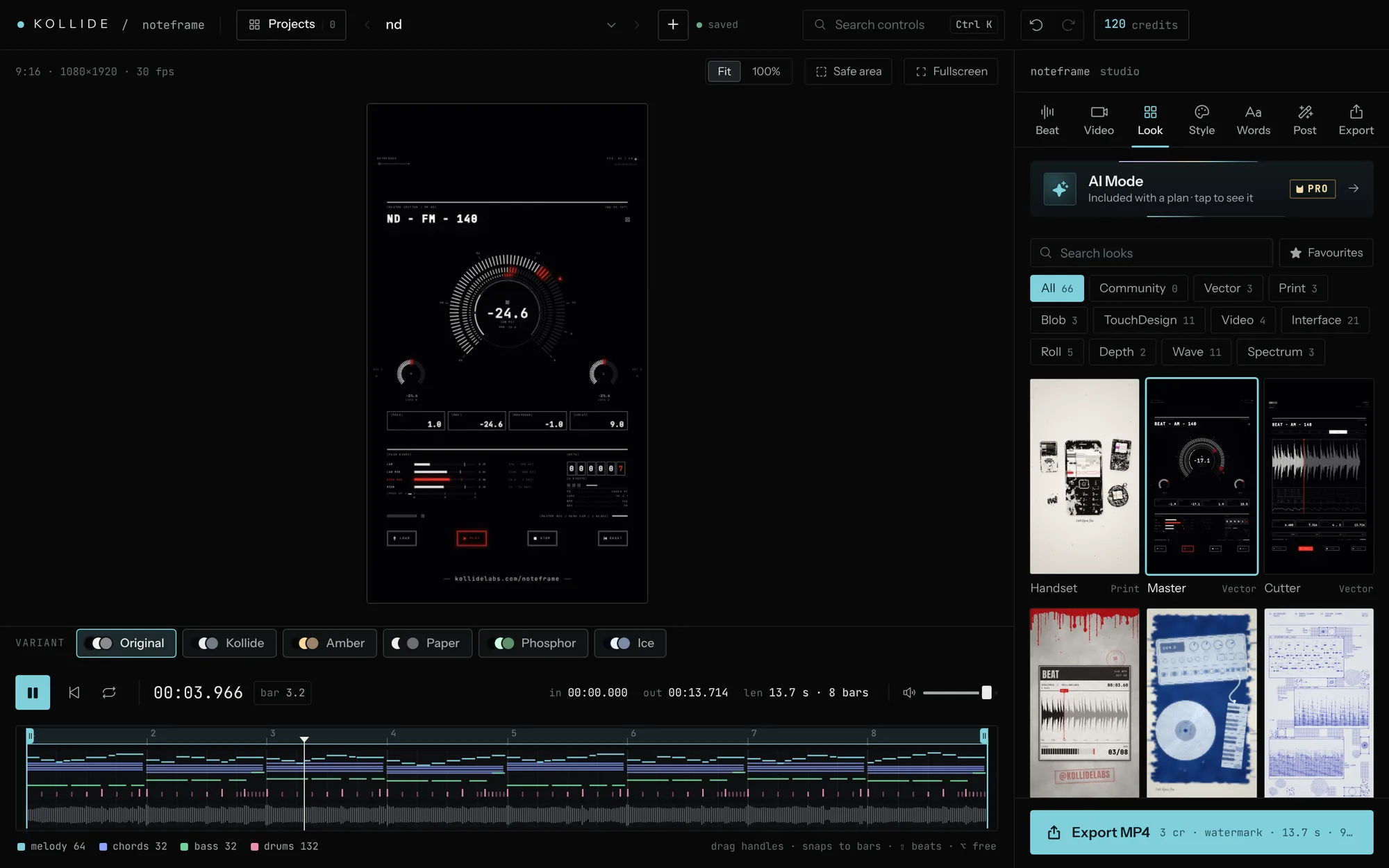
Desktop Chrome or Edge: they preview smoothly and export H.264 MP4 for Instagram. Other browsers can preview and may export a different format.
Your files
Is my music uploaded anywhere?
No. Your audio and videos stay on your computer, and the Reel is rendered and encoded in your browser. Only the project's settings (and its MIDI and cover art) are saved to your account.
Are my projects and styles saved?
Yes, automatically, to your account: look, colours, words, range, export settings, MIDI and cover art. Open them on any device (it asks for the same beat file there). Free keeps 5 projects, Creator 30, Studio 100, Konsol owners 25. If a plan ends nothing is deleted. Saved styles follow you everywhere and can be backed up to a file.
Can I use my own video, photo or cover art?
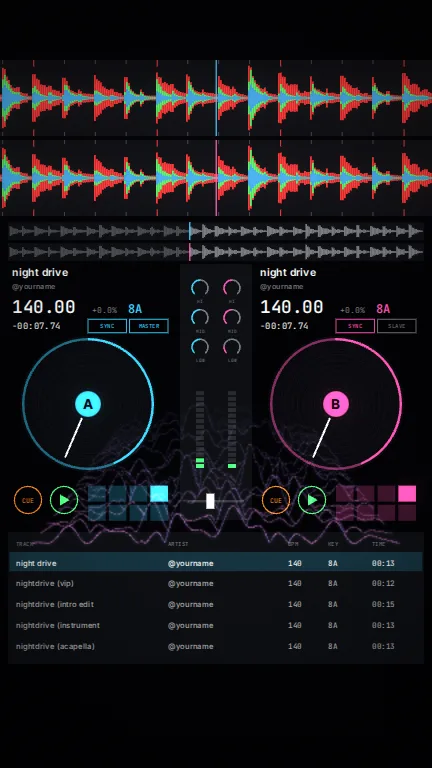
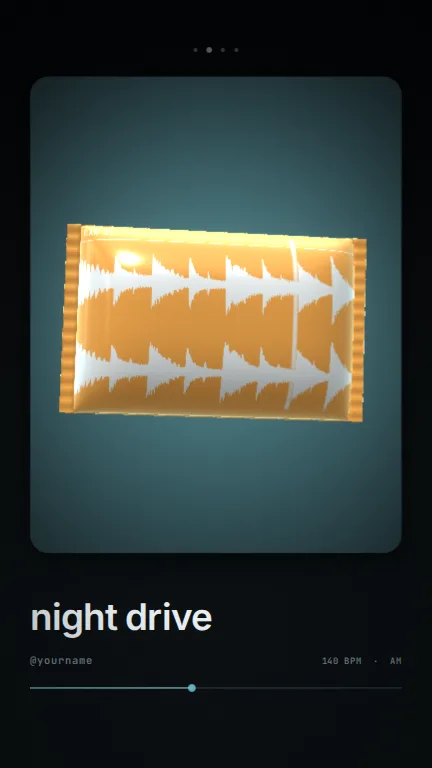
Yes. Import an MP4, MOV or WebM, or a photo (JPG, PNG or an iPhone HEIC), and pick a Video look: Glyph, Typeset and Tone redraw it in moving ASCII type, and Prism bursts the lights in your footage into beams. All of them move with the music. Cover art shows on looks that use artwork, like Player.
Credits and plans
How do credits work?
An export costs 3 credits (5 if it's longer than 60 seconds) and is only charged once it finishes. Out of credits? Keep building and previewing; claim your free daily credits, take the one-time Instagram bonus, or pick a plan.
What is Make with AI?
Describe the visualizer you want, optionally with a reference image or video, and your own AI (free ChatGPT works, or Claude, Gemini or any chat, or connect it so it saves the look for you) writes it as code. noteframe runs it in a locked sandbox where it can draw and read your beat, but can't reach your account or the internet. Every plan has it. On a free account your looks made with AI are public in Made with AI, with your prompt, so other producers can use them; on Creator and Studio they stay private until you share them. Delete one and it leaves Made with AI too.
What is AI Mode?
A designer inside the studio. Press Generate and noteframe composes a complete Reel design for your track from its own looks (layers, layout, colours, type and beat-synced details), fitted to the song's tempo, energy and key. Every press gives a new one; you can keep the layout, the main look or a palette, add, remove or edit any part, and save the result as your style. AI Mode is included in the Creator and Studio plans; free accounts can see it.
What does a plan add?
AI Mode, a monthly batch of credits (60 or 150) plus +2 or +4 a day, 60 fps, no watermark, Instagram-ready loudness (−14 LUFS) and up to 30 or 100 saved projects. Own Konsol? You get 60 fps, no watermark and loudness free.
Can I cancel anytime?
Yes, from the Credits window in the studio. You won't be charged again, the plan runs to the end of the month or year you paid for, and the credits you have stay yours. Card (Stripe) or PayPal.